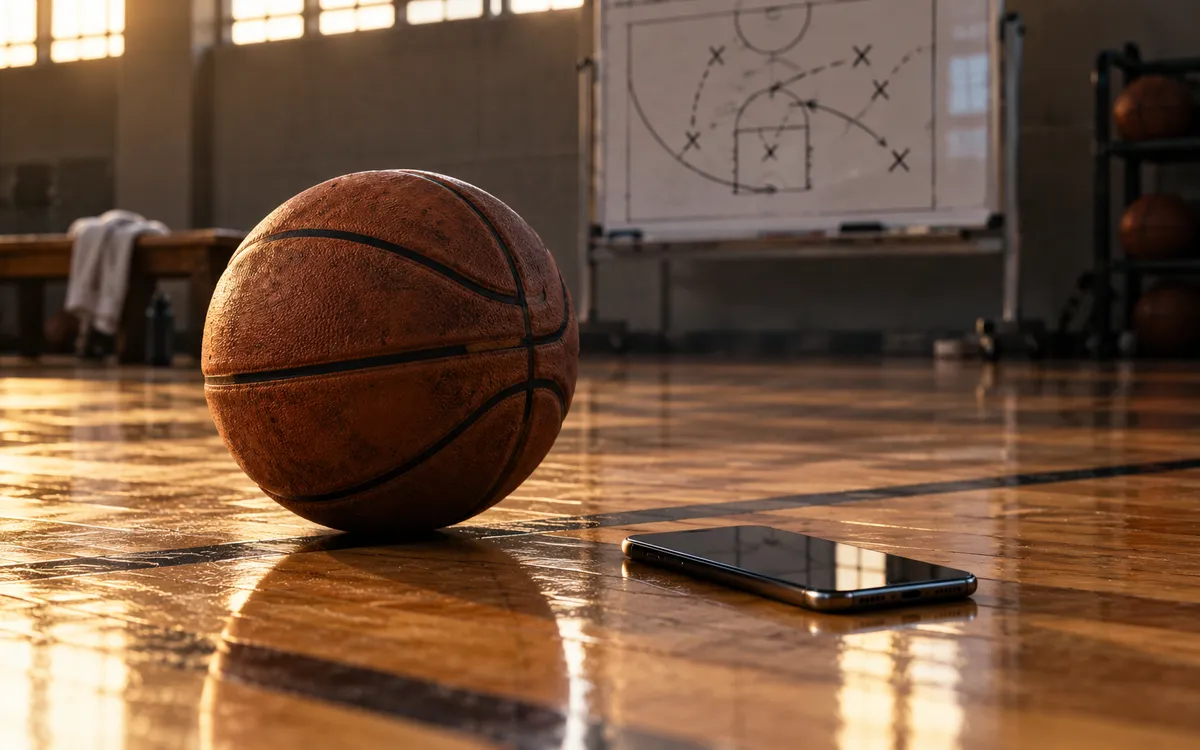
Every coach has a phone full of whiteboard photos. Timeout huddles, practice plans, that set you drew on a napkin. They are useful for about a day, then they sink under the family pictures. A photo is not a play your players can watch on their own phone.
Photo to play is our attempt to fix that. It is in beta, and it works in a few steps. The target is about 30 seconds from a clear photo to a draft you can edit. We are still measuring that in the beta, so treat it as a goal. Checking the draft takes as long as you need.
The four steps
- Take a photo of the board from straight on, with the whole court in the frame.
- Upload it in the playbook. ClinIQ reads the numbered players and the arrows and proposes a draft, one frame per action.
- Review each frame. Fix any wrong cut, pass or screen. You can drag players and change line types like in any play you draw yourself.
- Save it. Nothing goes into your playbook until you do.
One photo costs 10 credits. The Coach and Team plans include a monthly credit allowance. See the pricing page for the exact amounts.
How to take a photo it can read
- Stand square to the board. A photo from the side bends the court and moves the arrows.
- Avoid glare. A window behind you is the usual problem. Tilt the board or step to one side.
- Number the players. Circles with 1 to 5 read much better than initials.
- Use one color for offense and a different one for notes. A defender drawn as an X in a second color is easy to tell apart.
- Draw cuts as solid lines, passes as dashed lines, screens as a short bar at the end of a line. That matches how most coaches draw them.
Where it needs you
It will get things wrong. Crossed lines are the main trouble: two cuts that meet in the middle can look like one. A crowded board with six actions on it will come back as a rough draft that needs real editing. Handwriting that runs into the lines also confuses it.
When ClinIQ is unsure about a line or a player, it marks that item for review instead of guessing quietly. Those marks are your to-do list. Our advice is to redraw very busy boards as two plays. Players learn them better that way anyway.
A draft that shows you what it is unsure about is more useful than one that looks finished and is wrong.
What you get at the end
An animated play that steps through each phase. Share it by link, and players and parents can open it without paying. On paid plans you can export an MP4, GIF or PNG for a group chat. Free plans export a PDF. Here is the kind of thing you end up with, from a play already in our library:
Then ask ClinIQ about it. It can list the counters you should expect or point to the clips where you ran it. Those answers come with sources, as covered in our post on citations.
Is it better than drawing it yourself?
For a simple set, drawing in the designer is just as fast. Photo to play pays off when you have already drawn it on a board, when you have a stack of old photos to bring in, or when you only get a few minutes in the gym before the players arrive. If you try it and it makes your life harder, tell us what the photo looked like. The beta gets better on real boards.