Film
Your film, tagged with your own play names
Record games on your phone with Hoops ClinIQ, or upload a video file from any camera. Tap your own play names as they happen, and every tag links to your playbook and your players' study. Honest about what works today and what is still being built.
Record on your phone
Set it, record it, tag it as it happens
Nothing to buy or install in the gym. Prop a phone up, press record, and tap your own play names as they happen. Or upload a video file from any camera. Video is stored per plan: 1 hour on Free, 5 hours on Coach and 25 hours on Team.
- Set up. Phone high in the stands near half court, or a high corner, so all ten players stay in frame. The framing guide shows when the whole floor fits.
- Record and tag. Pick the quarter, keep the clock and score on screen, and tap Horns Flare or 5-Out Chicago when you run it.
- After the buzzer. Each tap is a clip on the timeline, linked to the play in your playbook and ready to assign for study.
- No data about a player on your roster is shown or used until a parent or guardian agrees. Game film can show opponents and non-consented players; that film stays staff-only. Uploads resume after a gym Wi-Fi drop.
A phone camera view of the full court from high in the stands near half court, with a framing guide, the game clock and score, a quarter selector, a record button and tag buttons named after your own plays: Horns Flare, 5-Out Chicago, Short Corner Flood, Zone Gut.
Clip to play
BetaA short clip becomes a draft play
Clip to play drafts a play from a short clip; you place and fix the players. Not yet tested on real amateur footage. It costs 20 credits per clip, up to 15 seconds, and nothing saves until you review it.
- Coach-reviewed: you confirm each player and each action before it saves.
- The saved play links back to the clip, and the clip to the play.
Tagging
Tags that say how sure they are
Most tags are yours: you tap them as the game happens. When ClinIQ suggests a tag (beta), it carries an illustrative confidence label and waits in a review queue. Nothing is applied until a coach confirms it.
- Ball screen, topHigh confidence
- Drag screen in transitionMedium
- Weak-side flareLow, needs review
Illustration of the labels. Not real game data.
Review
Comment on the exact frame
Pin a note to the moment it happened. Staff see it on the timeline. Share clips with players when you choose to.
- Film beside the play, so you can compare what was drawn with what happened.
- Sharing a clip to players needs your approval.
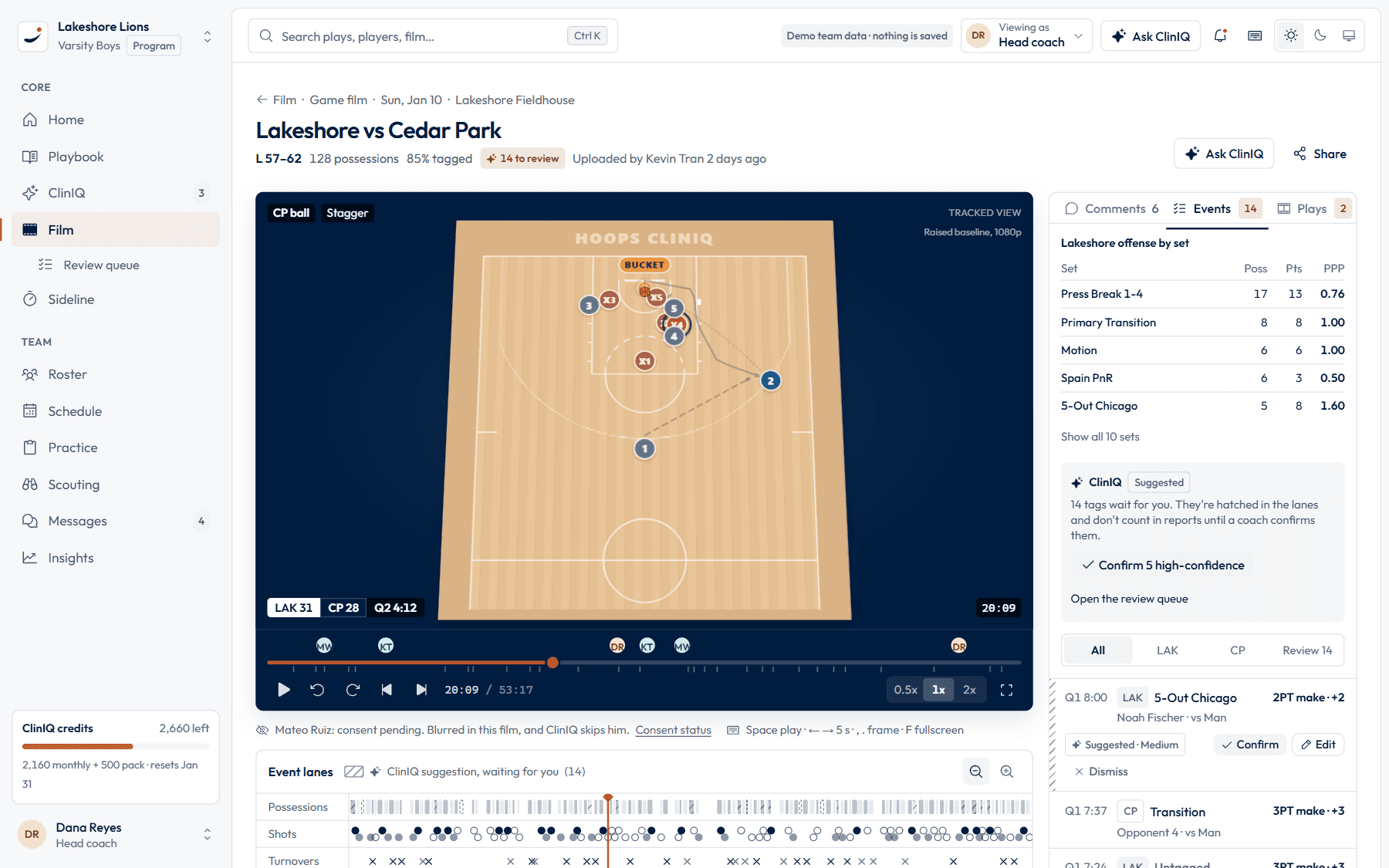
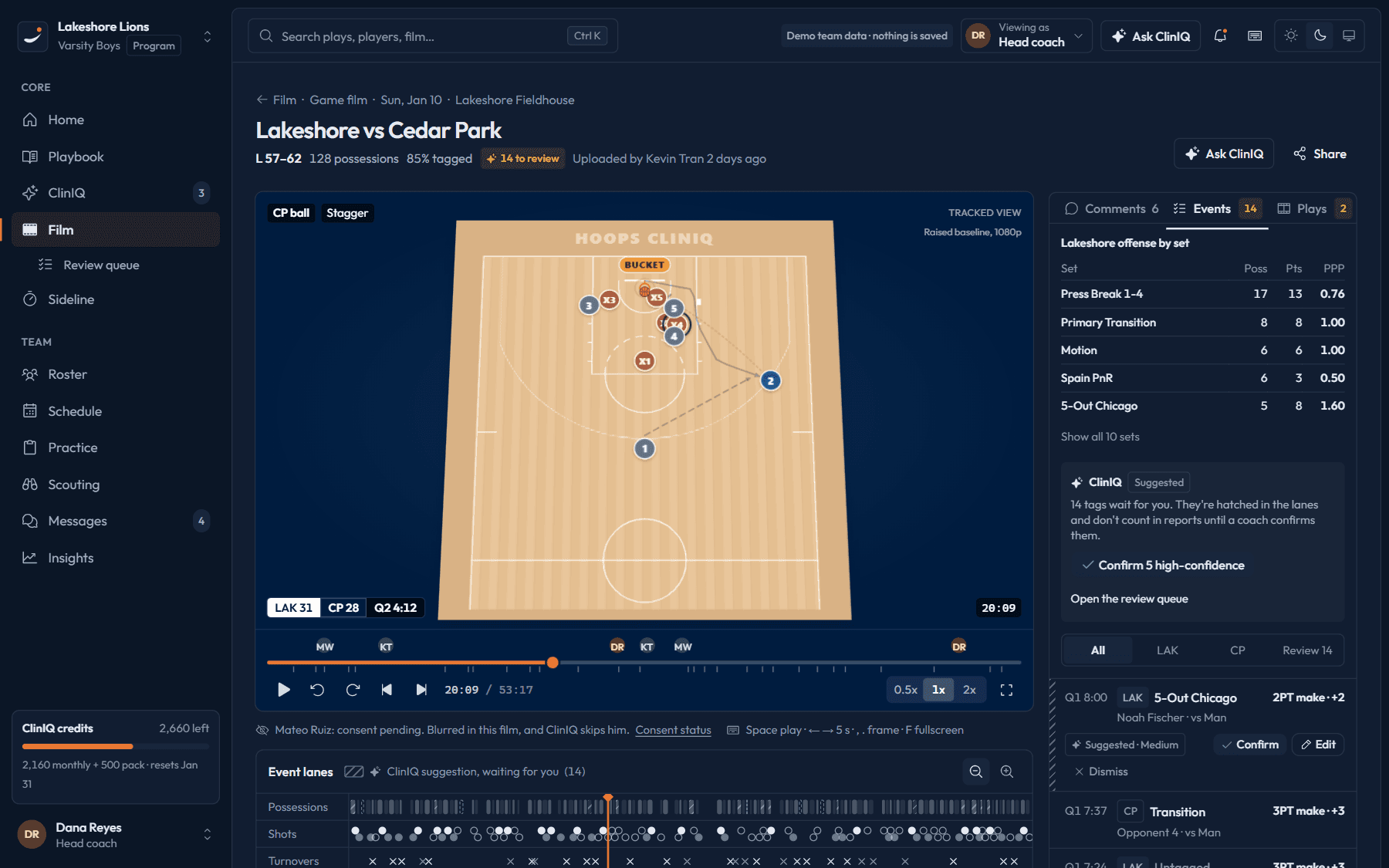
Q3 4:40. Help came late here. Show this one on Thursday.
Honest status
What it does today, and what is coming
We advertise a video feature only after it works on real amateur phone footage.
Today
In preview- Record games on your phone with Hoops ClinIQ, or upload a video file from any camera.
- Tag screens and sets with your own play names, linked to the playbook. Coach-tagged possessions are the default.
- Comments stamped to the frame.
- Film shown beside the play it came from.
With your review
Beta- Clip to play drafts a play from a short clip; you place and fix the players. Not yet tested on real amateur footage. Up to 15 seconds, 20 credits.
- Suggested tags: on some possessions ClinIQ suggests a tag, marked “Suggested · needs review”. Nothing counts until you confirm it.
Roadmap (2027)
Coming 2027- Full-game breakdown: possessions and animated plays, as a film add-on at $15 a game. Coming 2027. The per-game price will be tested with pilot programs starting spring 2027.
- Scout Agent: an opponent's sets from your own tagged film of past meetings and scouting games. It will be tested with pilot programs starting spring 2027.
Tagging has to clear published pass lines before we sell it as working.How we test film tagging
Filming guide
Get better footage in four moves
The app checks footage quality before it spends your credits. These tips help it pass.
Tip 1
Phone high in the stands near half court, or a high corner, so all ten players stay in frame.
Tip 2
Keep the phone still. A tripod beats a hand every time.
Tip 3
Wait for the whole possession before you cut the clip.
Tip 4
Good gym light matters more than a better phone or camera.
Common questions
How do I get film in?
Record games on your phone with Hoops ClinIQ, or upload a video file from any camera. Phone recording and upload are in preview.
How long can a clip be?
Clip to play (beta) works on clips up to 15 seconds and costs 20 credits. It drafts a play; you place and fix the players. It has not yet been tested on real amateur footage. Longer film is stored and tagged, not converted.
Does ClinIQ break down a full game?
Full-game breakdown is a film add-on, $15 a game, Coming 2027. It is not paid in credits. The per-game price will be tested with pilot programs starting spring 2027. It opens to everyone only once it works on real amateur phone footage.
Is my film used to train a model?
No, not unless you opt in. Opponents who appear in your film stay staff-only, are never named, and never appear in shared exports.
Your next game plan starts with your own film.
We load your plays and tag one of your games by hand. Your staff and players use ClinIQ and quizzes for four weeks. Or start with the free play library: no account.